How to Create Images that Seamlessly Tile
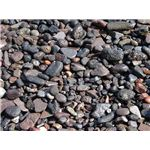
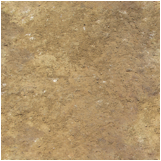
Cropping your Image
Any even number size (300px by 300px.)
Square marquee tool
Hold down shift, and drag
and select crop.
Offset Filter – under “Other”
Select
wrap around in the "Undefined Areas" box
Divide width of
image by 2 (300=150)
Enter into the horizontal and width boxes
Click OK
Patch tool (Clone and or Healing brush)
Remove noticeable seems
Alt+Click